來認識
connectgo by Ottobock
立即下載 connectgo。
立即下載 connectgo。
介紹
適用於 Ottobock 微電腦控制義肢與輔具的使用者 App。
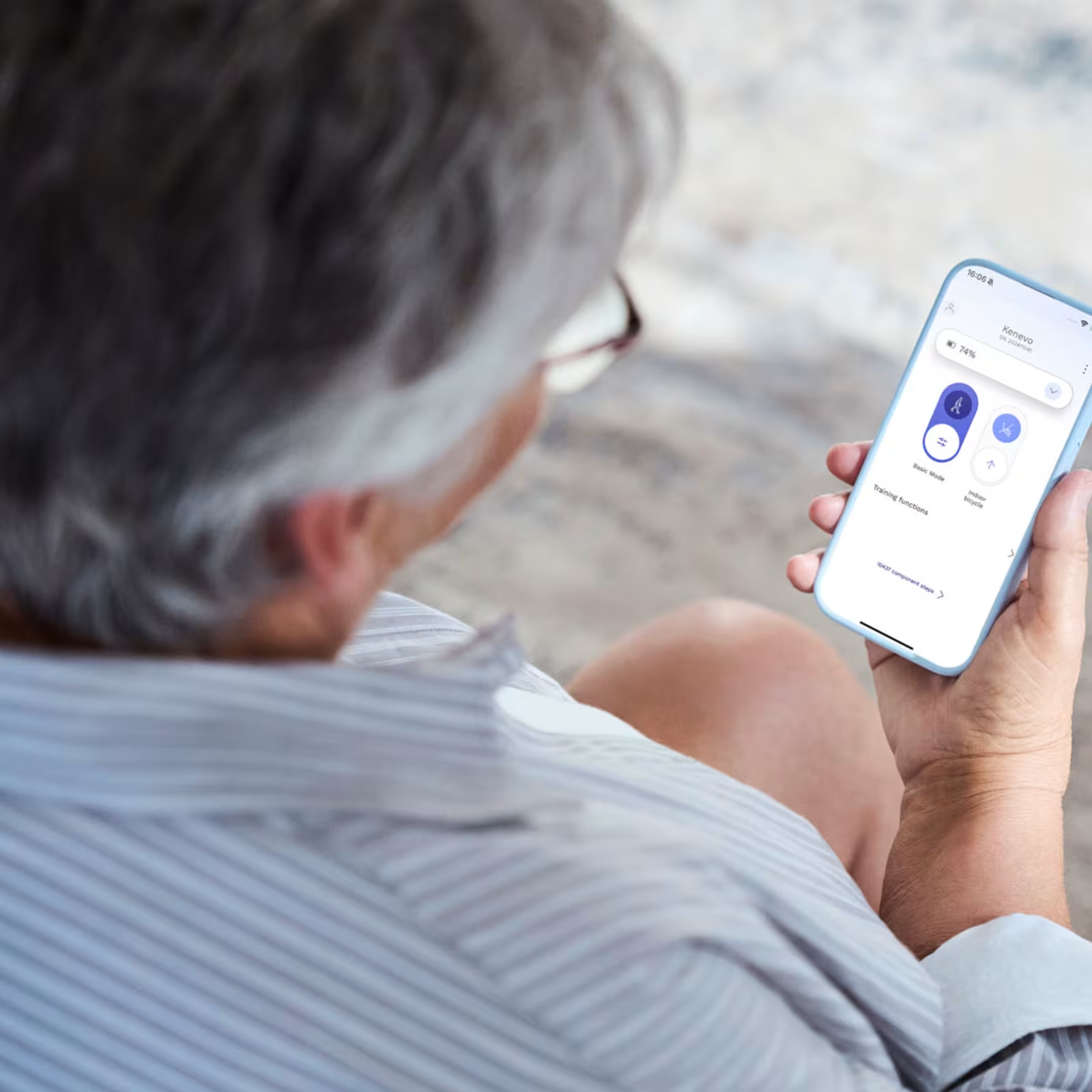
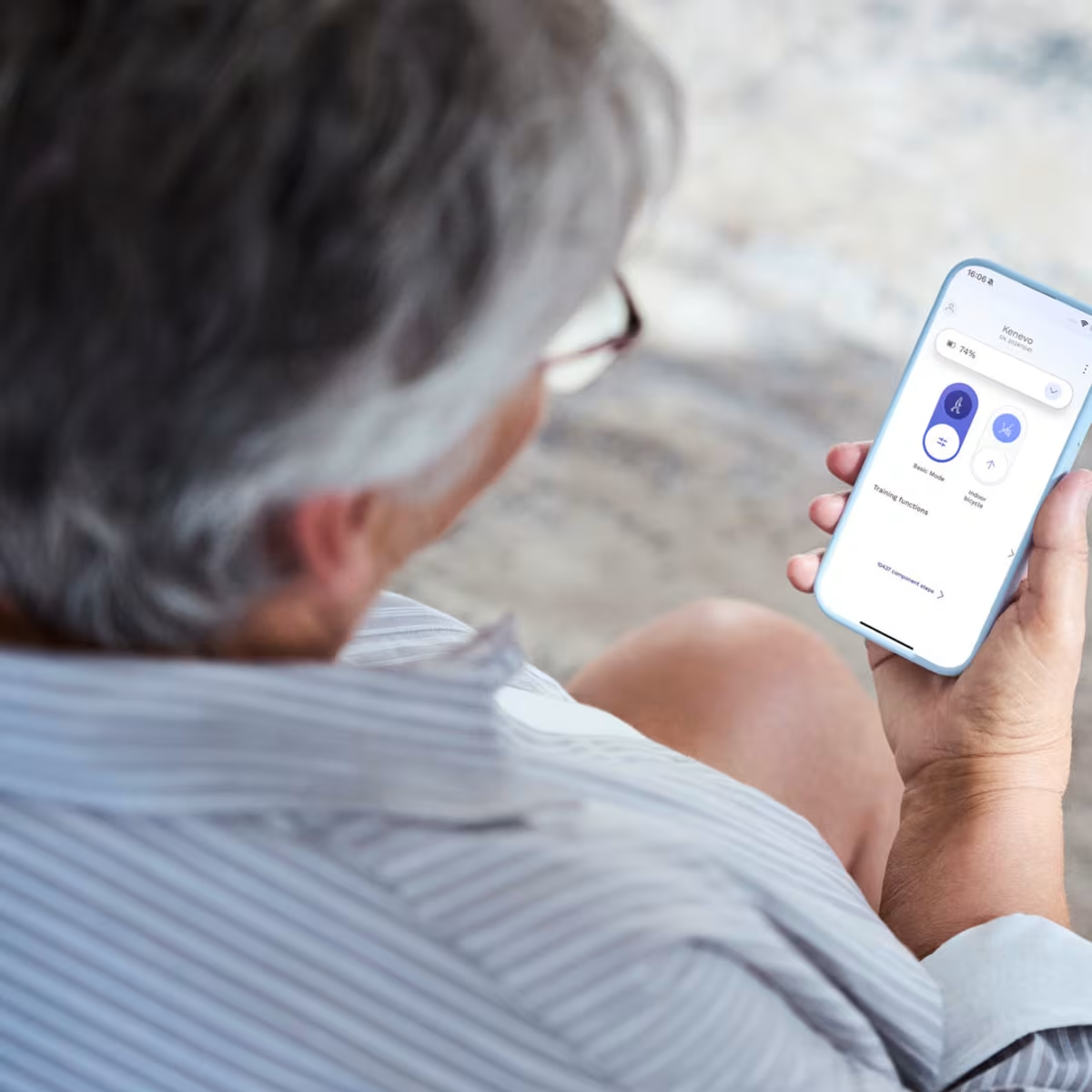
如果您使用 Ottobock 微電腦控制義肢或輔具,connectgo 就是專為您打造的 App。connectgo by Ottobock 是 Cockpit App 的全新升級版本,作為 Ottobock 義肢與輔具的使用者 App,目前支援 Genium 系列、C-Leg、Kenevo、Meridium 以及 C-Brace。
直覺化的操作介面搭配強大功能,讓您隨時透過智慧型手機掌控您的裝置。您可以輕鬆調整裝置設定,配合日常生活與個人需求,讓義肢或輔具每天都能提供最適合您的支援。
connectgo 一覽
主要特色
快速連接裝置
只需幾個步驟,即可將您的義肢或輔具與 connectgo App 完成連線。
只需幾個步驟,即可將您的義肢或輔具與 connectgo App 完成連線。

MyModes、功能控制等多項功能
快速切換 MyModes,立即依照不同活動調整義肢或輔具設定,滿足您一整天的需求。
快速切換 MyModes,立即依照不同活動調整義肢或輔具設定,滿足您一整天的需求。
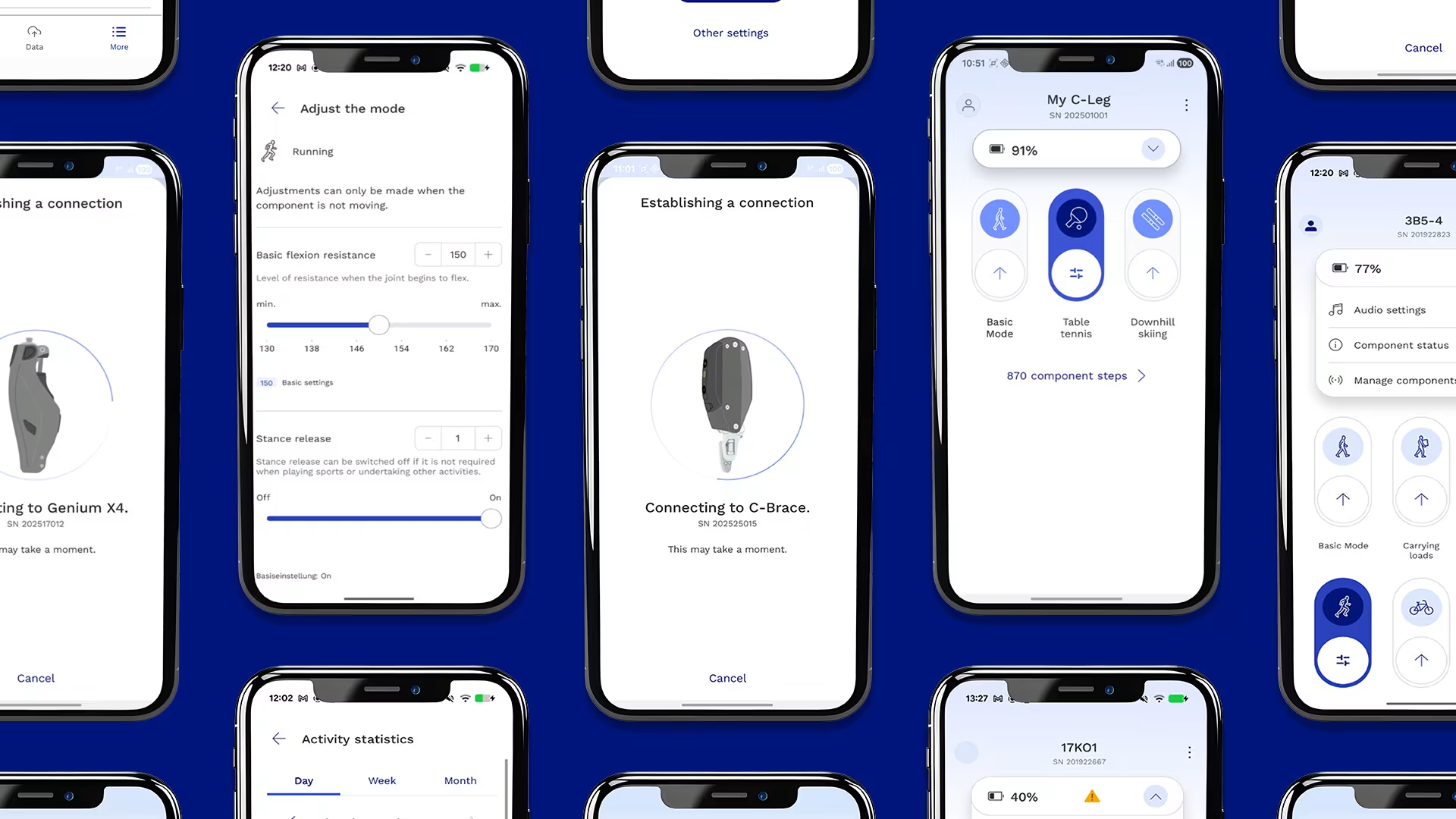
步數統計與活動數據
掌握您的活動狀況,深入了解日常行動表現,幫助您維持健康、保持活躍。即使更換裝置,您的活動資料仍會保留,方便持續追蹤進展。
掌握您的活動狀況,深入了解日常行動表現,幫助您維持健康、保持活躍。即使更換裝置,您的活動資料仍會保留,方便持續追蹤進展。
下一步
- 前往 App Store 或 Google Play 下載 connectgo by Ottobock。
- 找到產品隨附的 Bluetooth PIN 卡,上方提供裝置的 4 位數 Bluetooth PIN。若找不到 Bluetooth PIN,請洽詢Ottobock或您的義肢矯形師。
- 依照 App 中的操作指示完成連線。
聯絡我們
若想進一步了解 connectgo App,以及它如何協助您的日常生活,請填寫以下表單。
常見問題
常見問題